
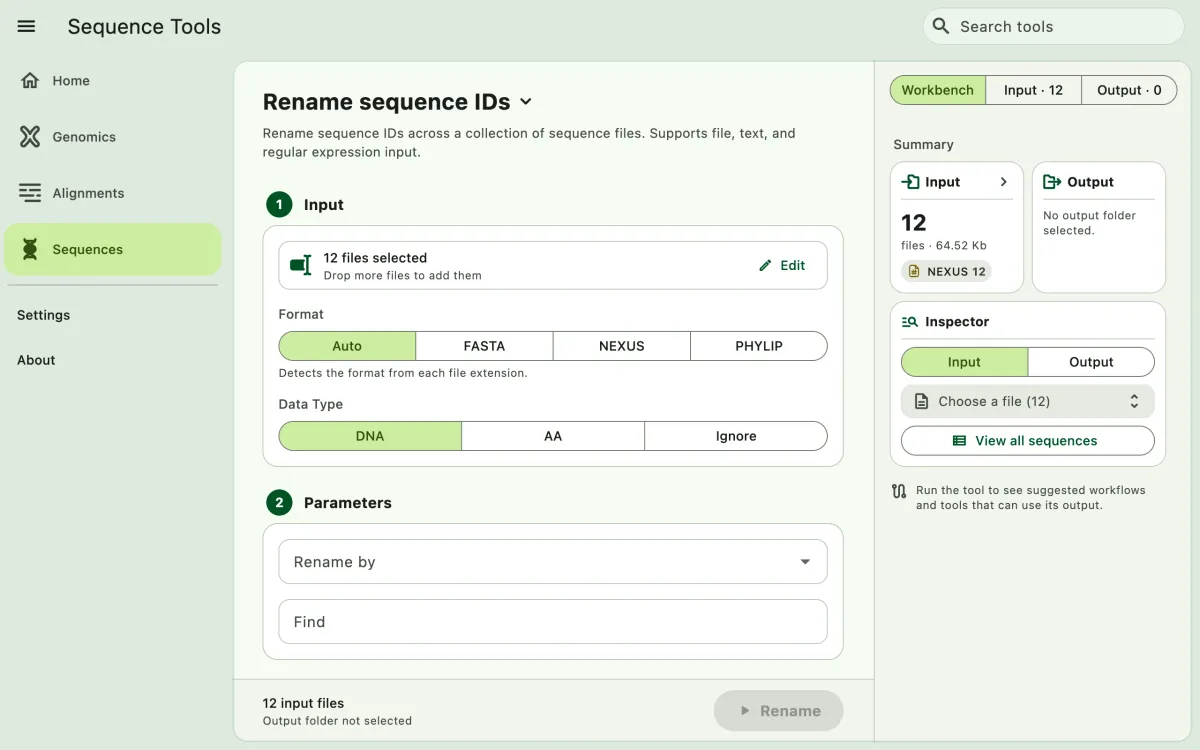
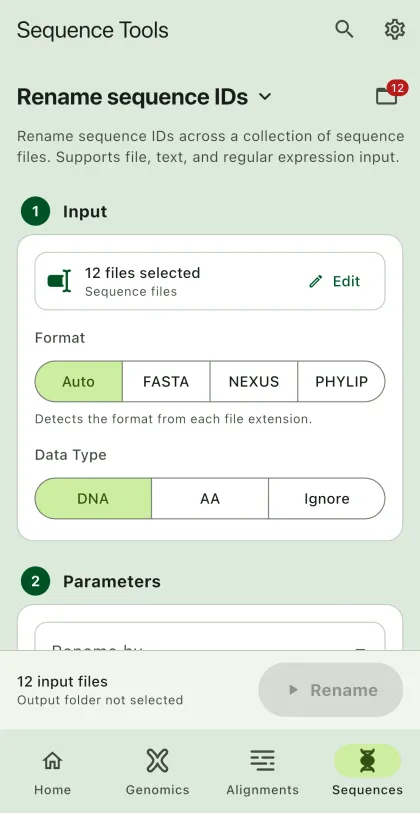
A quick way to rename sequence IDs in across many alignments.
- Select
Sequencesin the navigation bar A. - Open
Rename sequence IDsfrom the tool list on wide windows, or select the tool name B at the top of the page to switch tools. - Add the input files C with
Browse files,Browse folder, orOpen archive. SEGUI searches a folder and its subfolders for files that match the tool's input format. See file input for mobile options. - Select renaming parameters.
- Select
BrowseunderSelect output directoryto choose the output folder. On phones and tablets, enter aDirectory nameinstead; SEGUI saves it in the app's own folder. - Select the output sequence format.
- Select the run button D, labeled
Rename, to start the task.
Renaming Parameters
Section titled “Renaming Parameters”Input file
Section titled “Input file”Example input file:
The first column should be the original IDs and the second column should the new IDs. Save as .tsv or .csv. For example:
| Original_names | New_names |
|---|---|
| Genus_species1_random | Genus_species1_voucherID |
| Genus_species2_random | Genus_species2_voucherID |
Remove text
Section titled “Remove text”You can remove a specific text from the sequence IDs. For example, you can remove _contigs from all the sequence IDs.
Remove regular expression
Section titled “Remove regular expression”Use the regular expression to remove a specific pattern from the sequence IDs. For example, you can remove ^locus[0-9] from all the sequence IDs. This will remove all the sequence IDs starting with locus followed by a number. If you select remove all matches, it will remove all the matches found in a sequence ID. Otherwise, it will remove the first match found in a sequence ID, then continue to the next sequence ID.
Find and replace a matching text
Section titled “Find and replace a matching text”You can find a specific text and replace it with another text. For example, you can replace locus01 with locus.
Find and replace regular expression
Section titled “Find and replace regular expression”Use the regular expression to find a specific pattern and replace it with a string. For example, you can replace ^locus[0-9] with locus. This will replace all the sequence IDs starting with locus followed by a number with locus. Similar to other regular expression options, you can select replace all matches to replace all the matches found in a sequence ID.