
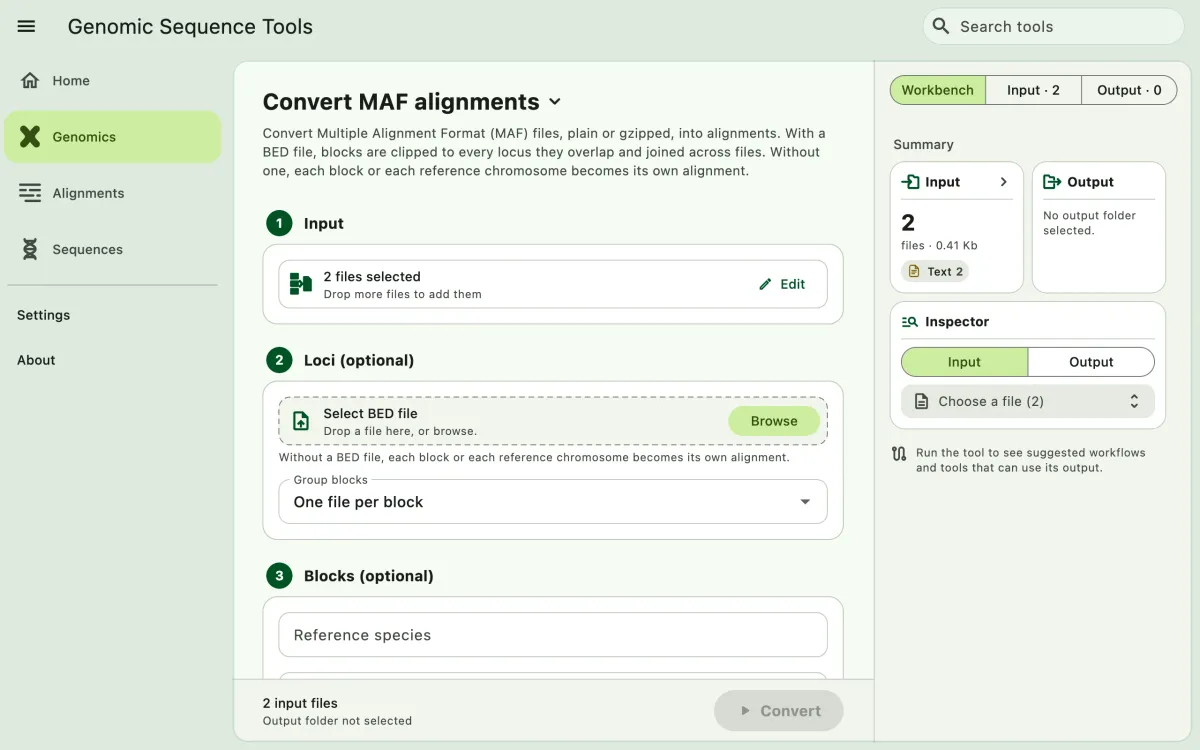
Convert Multiple Alignment Format (MAF) files, such as whole-genome alignments, into FASTA, NEXUS, or PHYLIP alignments: one per locus in a BED file, or one per block or chromosome without one.
- Select
Genomicsin the navigation bar A. - Open
Convert MAF alignmentsfrom the tool list on wide windows, or select the tool name B at the top of the page to switch tools. - Add the MAF files C with
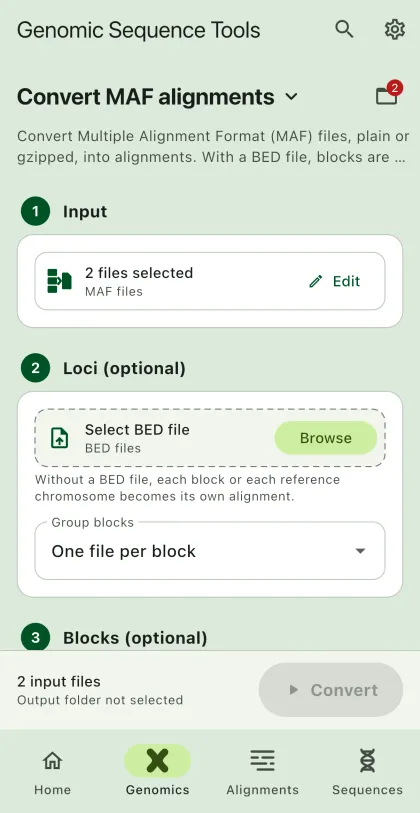
Browse files,Browse folder, orOpen archive. SEGUI searches a folder and its subfolders for files that match the tool's input format. See file input for mobile options. - Select a BED file of loci (optional). Without a BED file, choose whether to write one file per block or one per reference chromosome.
- Set block options (optional). See Block options.
- Select
BrowseunderSelect output directoryto choose the output folder. On phones and tablets, enter aDirectory nameinstead; SEGUI saves it in the app's own folder. - Select the output format. Turn on
Set interleaved formatto write interleaved output (optional). - Select the run button D, labeled
Convert, to start the task.
Sample names
Section titled “Sample names”The app names each sample after the text before the first dot of its MAF source, so hg38.chr1 becomes hg38 in every alignment. The reference is the species of the first sequence in the first block, unless you set Reference species. Positions always follow the forward strand of the reference.
With a BED file
Section titled “With a BED file”Each block is matched to every locus it overlaps on the same chromosome. Blocks of a locus are joined in reference order across all input files, and species missing from a block are filled with gaps (-).
Clip blocks to each locus(on by default) trims each block to the positions of the locus. Turn it off to keep whole blocks.Reverse complement minus-strand lociwrites loci whose BED strand is-in the orientation of the feature, for example before translating coding sequences.
The BED file needs at least three columns without a header: chromosome, start, and end. The fourth column is the locus name and the sixth is the strand. Gzipped BED files (.bed.gz) work too.
chr1 100 200 locus_1chr1 300 400 locus_2 0 -Each locus is written as <locus>-<chromosome>-<start>-<end>, for example locus_1-chr1-100-200.fas. The app also writes maf_convert.csv, which lists every locus, how many blocks it joined, and whether an alignment was written. Blocks that overlap no locus are skipped.
Without a BED file
Section titled “Without a BED file”Choose One file per block to write each block as <chromosome>-<start>-<end>, such as chr1-100-110.fas, or One file per chromosome to join all blocks of each reference chromosome into one alignment, such as chr1.fas.
Block options
Section titled “Block options”All block options are optional:
| Option | Description |
|---|---|
| Reference species | Species used for positions. Default: the first species in the file |
| Species to write | Comma-separated species to keep, such as hg38, panTro6 |
| Minimum reference bases | Skip blocks with fewer reference bases |
| Minimum species | Skip blocks with fewer species, counting the reference |
| Minimum score | Skip blocks with a lower score. Blocks without a score are kept |
See the CLI guide for examples of clipping and joining blocks. To check MAF files before converting them, use MAF summary.