
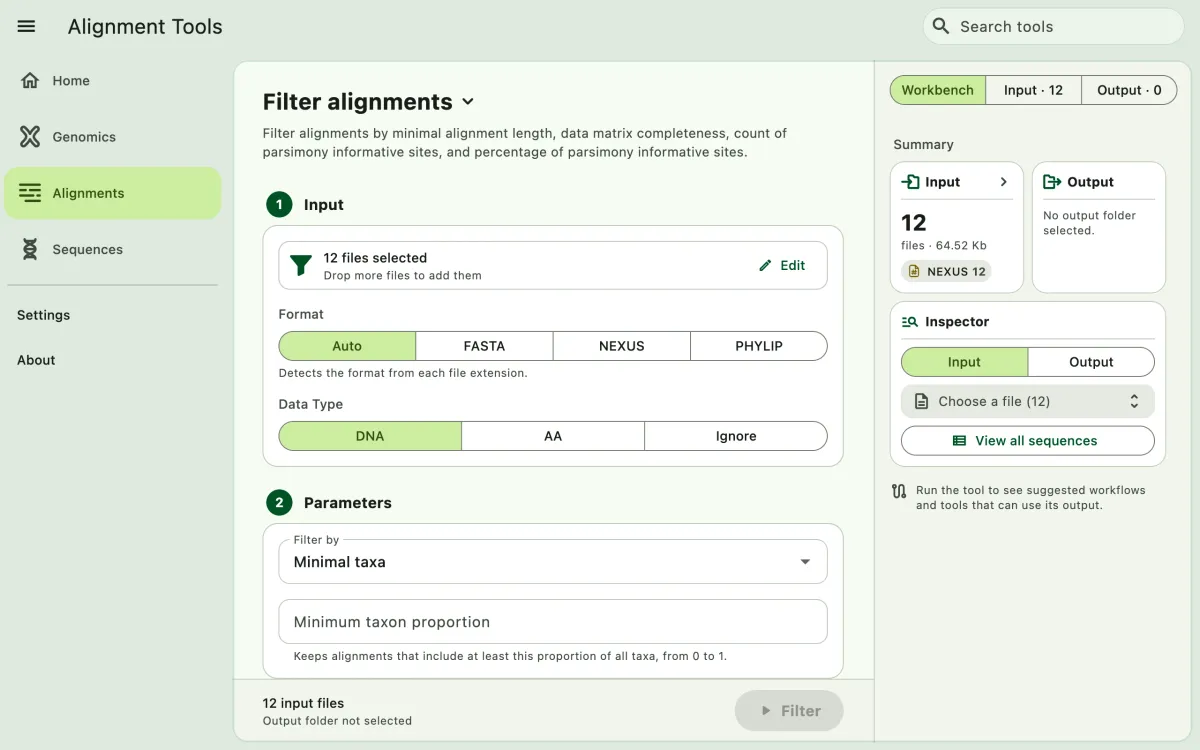
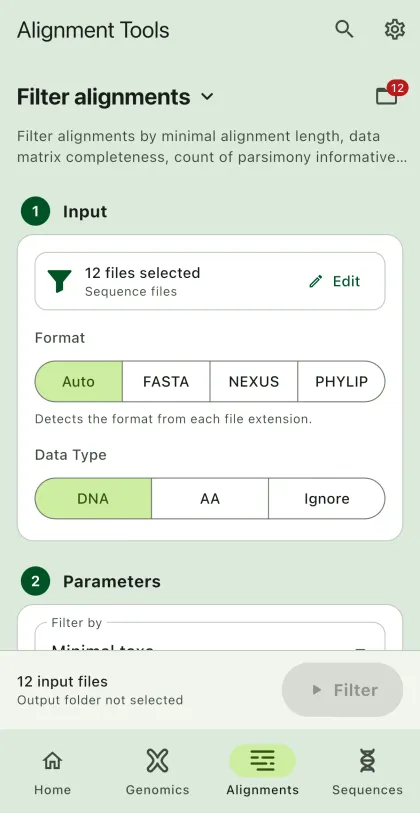
Filtering alignments based on the length (sites), taxa completeness, parsimony informative sites, percent of parsimony informative sites, or missing data.
- Select
Alignmentsin the navigation bar A. - Open
Filter alignmentsfrom the tool list on wide windows, or select the tool name B at the top of the page to switch tools. - Add the input files C with
Browse files,Browse folder, orOpen archive. SEGUI searches a folder and its subfolders for files that match the tool's input format. See file input for mobile options. - The
Inputtab of the file panel E lists the input files. On phones and narrow windows, open it with the files button next to the tool name. To remove files from the list, chooseSelect, pick the files, and selectRemove. The files stay on your device. - Select input format (optional). See the supported file extensions for the list of supported extensions for alignment files.
- Add filtering parameters.
- Select
BrowseunderSelect output directoryto choose the output folder. On phones and tablets, enter aDirectory nameinstead; SEGUI saves it in the app's own folder. - Set to concatenate the output (optional).
- Select the run button D, labeled
Filter, to start the task. - Export or share the output (optional). See exporting output.
Parameters
Section titled “Parameters”The app allows you to filter alignments based on the following parameters:
Minimal length
Section titled “Minimal length”The app will filter out sequences that are shorter than the minimum alignment length (number of sites). The input is a positive integer, such as 100 for 100 sites.
Maximal length
Section titled “Maximal length”The app will filter out alignments that are longer than the maximum alignment length (number of sites). The input is a positive integer, such as 5000 for 5,000 sites.
Minimal taxa
Section titled “Minimal taxa”This filter is based on the taxon completeness. The app will filter out alignments that have fewer taxa than the minimum number of taxa. For example, given a collection of alignments with 100 taxa with 90 percent completeness, segul will filter alignments with at least containing 90 taxa. The input is a decimal number between 0 and 1, such as 0.9 for 90 percent completeness.
Parsimony informative sites
Section titled “Parsimony informative sites”The app will filter out alignments that have fewer parsimony informative sites than the minimum number of parsimony informative sites. The input is a positive integer, such as 100 for 100 parsimony informative sites.
Maximal parsimony informative sites
Section titled “Maximal parsimony informative sites”The app will filter out alignments that have more parsimony informative sites than the value. The input is a positive integer, such as 500.
Percent of parsimony informative sites
Section titled “Percent of parsimony informative sites”The value is counted based on to highest number of parsimony informative sites across all input alignments. The app will filter out alignments that have fewer parsimony informative sites than the minimum percent of parsimony informative sites. The input is a decimal number between 0 and 1, such as 0.1 for 10 percent of parsimony informative sites.
Maximal missing data
Section titled “Maximal missing data”The app will filter out alignments whose proportion of missing data (- or ?) is greater than the value. The input is a decimal number between 0 and 1, such as 0.3 for 30 percent missing data.
Concatenating the output
Section titled “Concatenating the output”To concatenate the output, turn on Concatenate output. It shows the parameters to concatenate the output. It similar to the alignment concatenation parameters. The app will concatenate the output based on the parameters you set. The app will also create a partition file.