
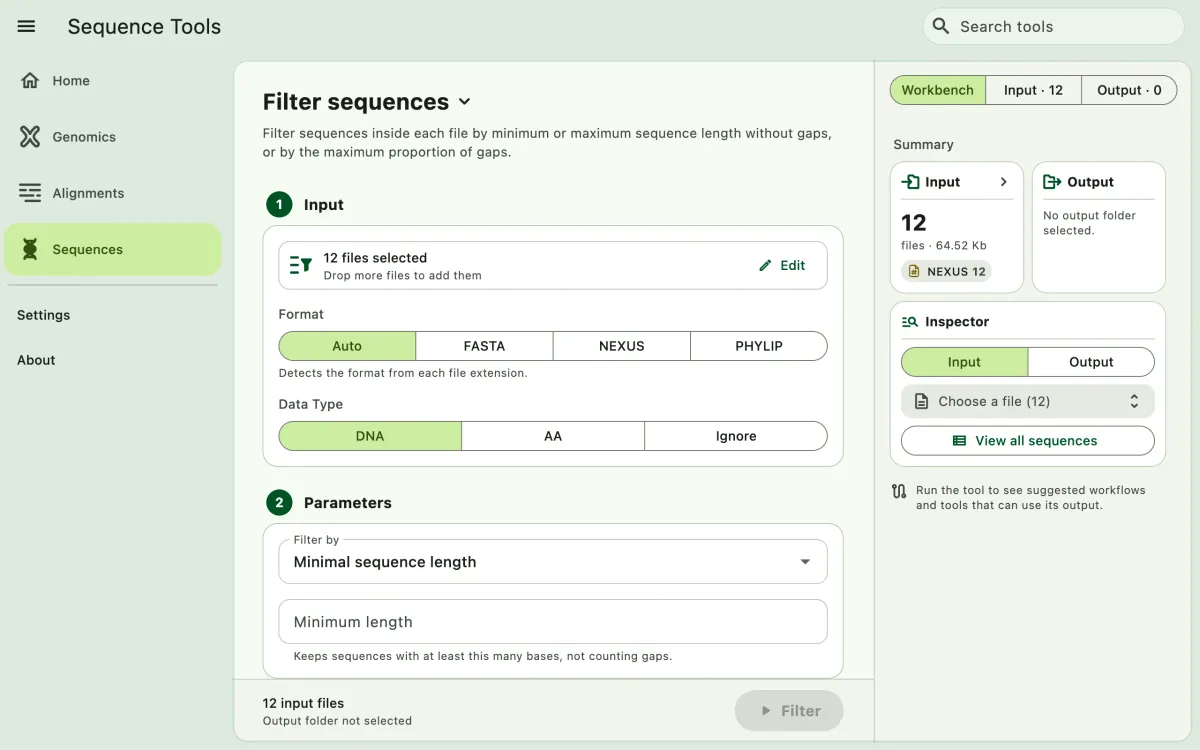
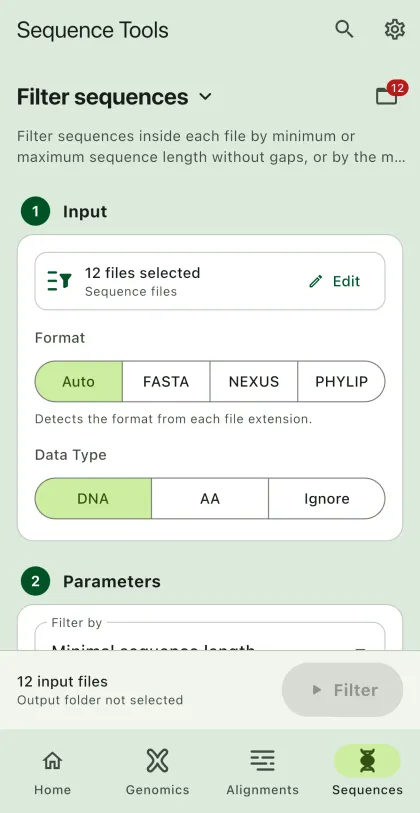
Remove sequences inside each file based on their length or proportion of gaps. Unlike alignment filtering, which keeps or drops whole alignments, this task keeps or drops individual sequences.
- Select
Sequencesin the navigation bar A. - Open
Filter sequencesfrom the tool list on wide windows, or select the tool name B at the top of the page to switch tools. - Add the input files C with
Browse files,Browse folder, orOpen archive. SEGUI searches a folder and its subfolders for files that match the tool's input format. See file input for mobile options. - Select the input format (optional) and the data type.
- Select the filtering method and enter its value.
- Select
BrowseunderSelect output directoryto choose the output folder. On phones and tablets, enter aDirectory nameinstead; SEGUI saves it in the app's own folder. - Select the output format. Turn on
Set interleaved formatto write interleaved output (optional). - Select the run button D, labeled
Filter, to start the task.
Parameters
Section titled “Parameters”Minimal sequence length
Section titled “Minimal sequence length”The app removes sequences with fewer non-gap characters than the value. The input is a whole number, such as 100.
Maximal sequence length
Section titled “Maximal sequence length”The app removes sequences with more non-gap characters than the value. The input is a whole number, such as 5000.
Maximal proportion of gaps
Section titled “Maximal proportion of gaps”The app removes sequences whose proportion of gaps (- or ?) is greater than the value. The input is a decimal number between 0 and 1, such as 0.3.
Output
Section titled “Output”The app writes one file for each input file, named after the input file, with the sequences that pass the filter.