
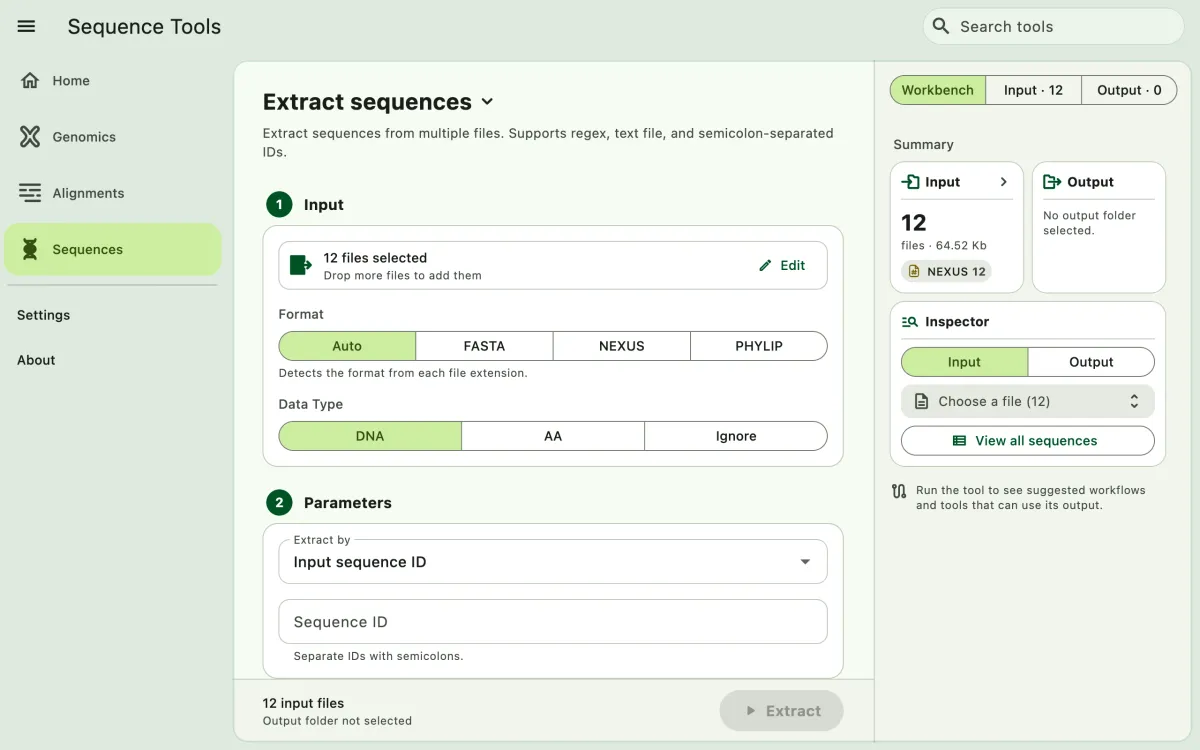
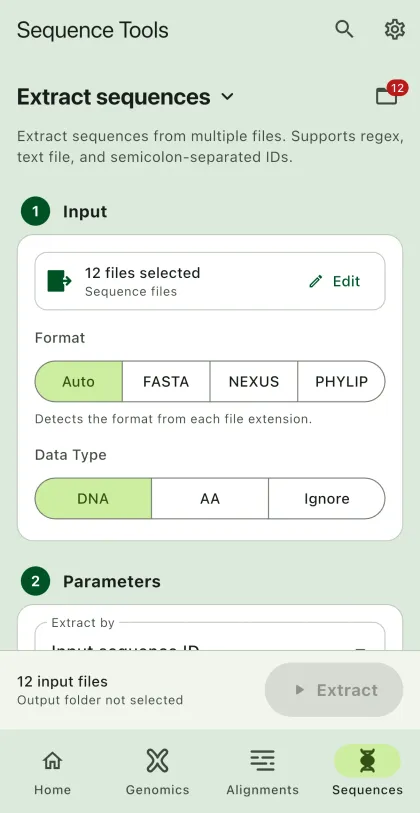
Extract sequences from alignment files based on sequence IDs or regular expression.
- Select
Sequencesin the navigation bar A. - Open
Extract sequencesfrom the tool list on wide windows, or select the tool name B at the top of the page to switch tools. - Add the input files C with
Browse files,Browse folder, orOpen archive. SEGUI searches a folder and its subfolders for files that match the tool's input format. See file input for mobile options. - The
Inputtab of the file panel E lists the input files. On phones and narrow windows, open it with the files button next to the tool name. To remove files from the list, chooseSelect, pick the files, and selectRemove. The files stay on your device. - Select input format (optional). See the supported file extensions for the list of supported extensions for alignment files.
- Add extraction parameters.
- Select
BrowseunderSelect output directoryto choose the output folder. On phones and tablets, enter aDirectory nameinstead; SEGUI saves it in the app's own folder. - Select the run button D, labeled
Extract, to start the task. - Export or share the output (optional). See exporting output.
Parameters
Section titled “Parameters”The app allows you to extract sequences based on the following parameters:
Input ID in a file
Section titled “Input ID in a file”The app allows you to input a file containing sequence IDs to extract. The app will use the file to match the sequence ID. The file should be in plain text format. Each line should contain one sequence ID.
seq1seq2seq3Input semi-colon separated IDs
Section titled “Input semi-colon separated IDs”The app will use the sequence IDs to match the sequence ID.
seq1;seq2;seq3Write regular expression
Section titled “Write regular expression”The regular expression will be used to match the sequence ID. The syntax for the regular expression follows the Rust regex syntax. You can use regex101 to test your regular expression.
Example:
^seq[0-9]+will match all sequence ID that starts withseqfollowed by one or more numbers.^seq[0-9]{2}will match all sequence ID that starts withseqfollowed by exactly two numbers.^rattuswill match all sequence ID that starts withrattus.
Output file
Section titled “Output file”All matched sequences will be extracted from each input file. The app will create a new file for each input file. For example, if theSet the format in output section to determine the output format.